Assistive Listening Solutions

Wireless Devices That Include Every Attendee

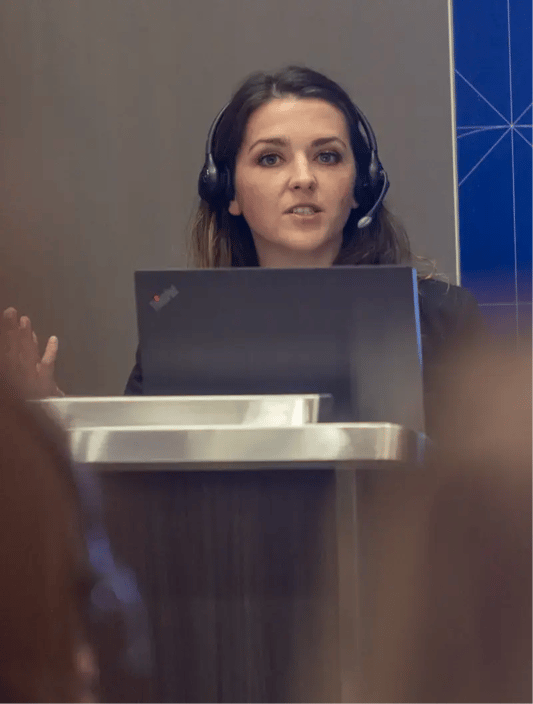
Group of attendees in a silent theater

Every attendee deserves to hear every word, from the keynote stage to the smallest breakout room.

Implecho's assistive listening specialists help you build accessibility into your event from the first walkthrough, not the week before doors open. Explore how our wireless listening devices, live translation systems and accessibility accessories work together to meet ADA requirements and create an event every guest can fully experience.

Request a Quote

Assistive Listening Applications

No matter the venue or session format, Implecho has an assistive listening solution built for it. We pair proven technology like ListenTALK and Listen Technologies' Auracast platform with the planning support to get every device to the right guest, right on time.

ListenTALK Devices with Neck Loop Compatibility

ListenTALK is a two-way assistive listening system built to meet ADA requirements out of the box, giving every guest clear, direct access to your event's audio through a dedicated receiver. Presenters speak at a normal volume while noise-canceling microphones cut through crowd noise and distance, so attendees never miss a word regardless of where they are seated.

For guests with telecoil-equipped hearing aids and cochlear implants, ListenTALK also pairs with a neck loop worn comfortably around the listener's neck, transmitting sound directly to their t-coil without the discomfort or feedback that standard headphones can cause. Because the neck loop connects straight to the hearing aid or cochlear implant instead of sitting over the ear, it delivers clearer sound with less setup fuss for the guest, and it comes in adult and child sizes so groups of any age are covered.

Explore ListenTALK Options

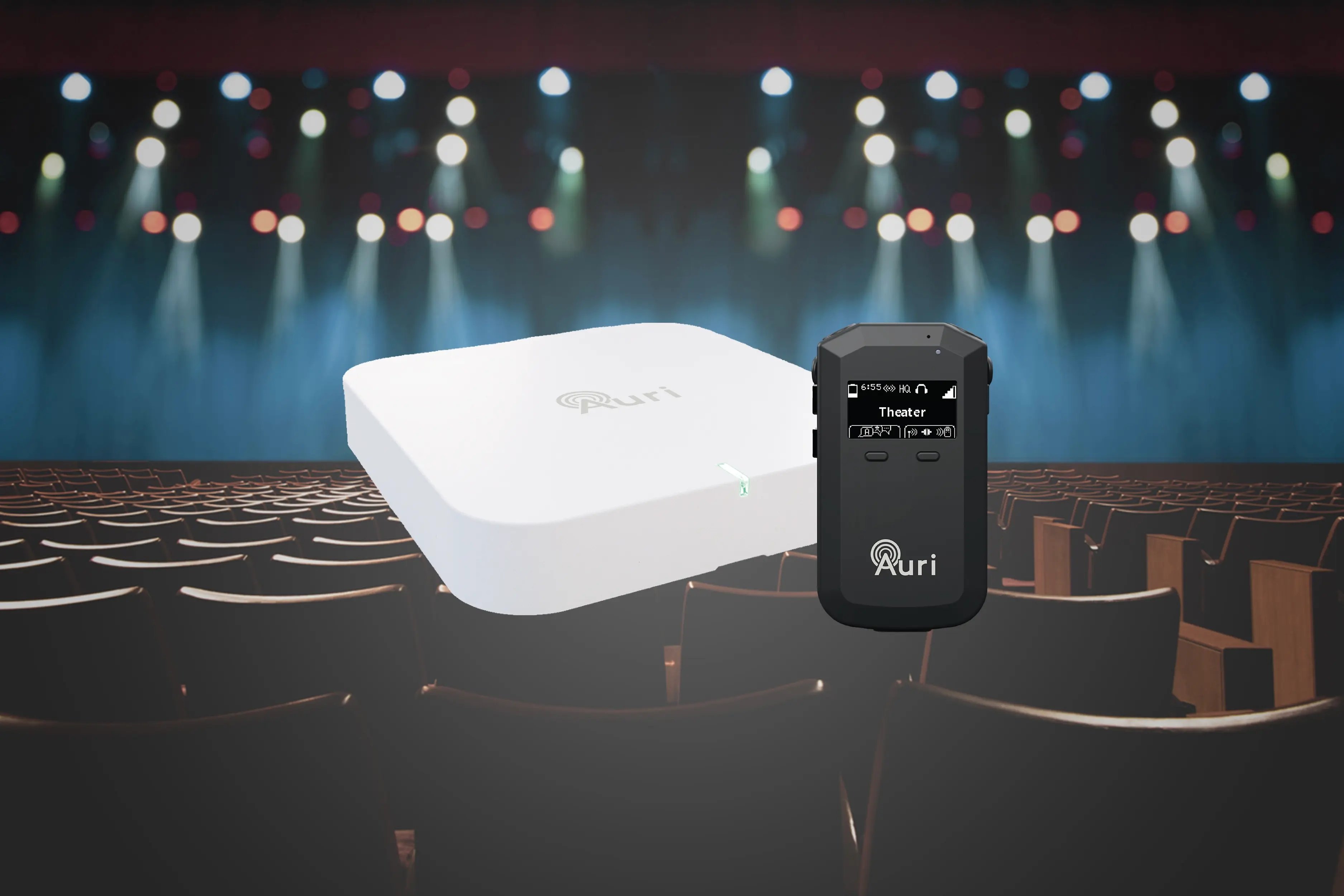
Auri by Listen Technologies, Powered by Auracast

Give every attendee their own audio experience without a single wire or app download. Auri, powered by Auracast broadcast audio technology, streams your event's sound directly to a compact wireless receiver so guests set their own volume and never miss a word from across the room.

Because Auri pairs instantly and requires no pairing code or personal device, it removes the two biggest friction points in assistive listening: setup time and technology hesitancy. It is the system we recommend first for general sessions, keynotes and any space where attendees sit at a distance from the speaker.
Learn More about Auri

Live Language Translation

When your audience speaks more than one language, accessibility and inclusion become the same conversation. Implecho's interpretation-ready headsets let a live interpreter translate your event in real time, broadcasting directly to a dedicated channel so international guests follow along without missing a beat.

This solution pairs especially well with assistive listening deployments already in place for a session, since both run on the same wireless infrastructure. One setup, two forms of access, and one team handling all of it.

Headsets for Language Interpretation

Bone Conduction Headphones

Not every attendee wants an ear canal fully covered, and some cannot use it safely. Bone conduction headphones deliver clear audio through vibration against the cheekbone, leaving the ear open for hearing aids, cochlear implants or simple awareness of the room.

It is a small design choice that makes a real difference for guests with sensory sensitivities or hearing devices already in use, and it signals that accessibility was part of the plan from day one, not an accommodation added at the door.

Why bone conduction headphones belong at every accessible event

Tap Boards

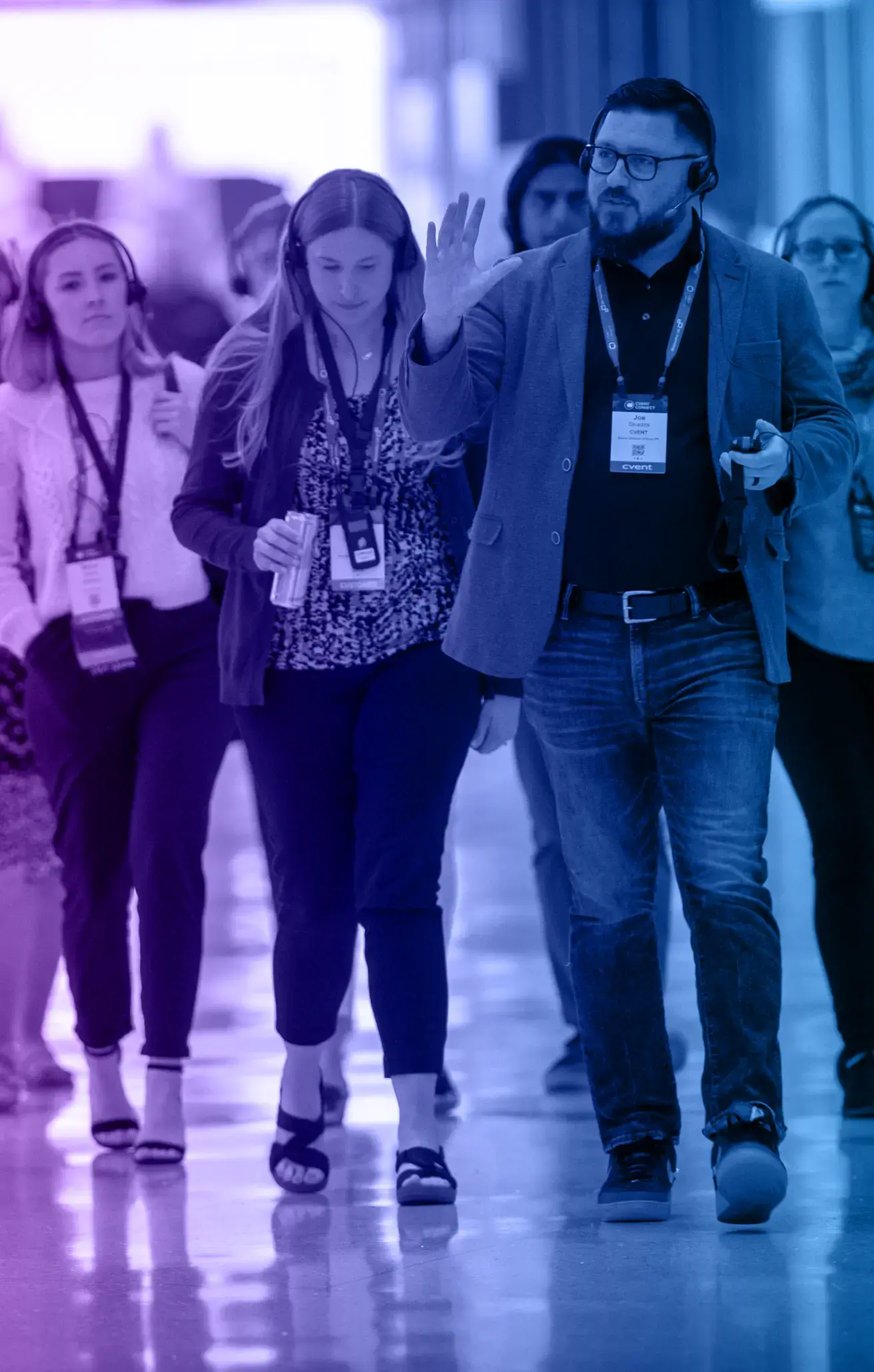
Large events rarely happen in a single room, and attendees should not need to track down a staff member every time they move to a new session. Implecho's Tap Boards let guests reconnect to the correct audio group in seconds, simply by holding their ListenTALK receiver against the board posted at the room entrance.

A quick chime confirms the pairing, and the guest's screen automatically updates to show the room or group they just joined. It's a self-service solution that keeps foot traffic moving between concurrent sessions, multi-room facility tours or interpretation zones, without adding a single staff member to manage channel changes.

Learn how to set up tap boards at multi-room events

Why Implecho?

Implecho will customize your assistive listening solution to perfectly match your needs, whether for a one-time event or a recurring conference series.

Our accessibility and audio communication experts offer:

• Free demo options to confirm coverage and channel setup before your event

• ADA and ADAAG-informed guidance on device counts and placement

• Preprogrammed channels, including dedicated interpretation and assistive listening options

• All-inclusive on-site support upon request, including distribution, guest assistance and channel troubleshooting

• Nationwide next-day delivery in a pinch

• And more

Explore Onsite Services

We’ll take you through each step of the rental process, provide you with the tools and training you need and ensure your radios and event communication headsets work as they should.

Rent Buy Demo

Assistive Listening Headset Use Cases

See the creative ways other organizations are using wireless audio headsets to engage their audiences and elevate event experiences.

Tips & Tools

FAQs

Not finding what you’re looking for? Connect with us!
What is an assistive listening system?

An assistive listening system delivers a presenter's audio directly to a wireless receiver, so guests with hearing loss hear speech clearly without room echo, background noise or distance getting in the way. Implecho's assistive listening solutions include ListenTALK, Auri by Listen Technologies and Williams AV Digi-Wave, with options for neck loops, bone conduction headphones and live language translation.


How many assistive listening receivers does the ADA require?

The 2010 ADA Standards for Accessible Design base receiver counts on the seating capacity of assembly areas with audio amplification. Spaces with 50 seats or fewer need at least two receivers, and larger spaces add receivers on a sliding scale. A 300-seat general session, for example, calls for 12 receivers, with at least three of them hearing-aid compatible. Our team provides ADA and ADAAG-informed guidance on device counts and placement for every room in your program.

What does hearing-aid compatible mean for assistive listening?

The ADA requires at least one in four receivers, and no fewer than two, to be hearing-aid compatible, which typically means using a neck loop. A neck loop sends audio directly to hearing aids and cochlear implants equipped with a telecoil (T-coil), so guests hear the presenter through their own device. ListenTALK and Williams AV Digi-Wave both support neck loops.

What is Auracast and how does Auri use it?

Auracast is Bluetooth LE Audio broadcast technology that lets one transmitter stream audio to an unlimited number of listeners within range. Auri by Listen Technologies uses Auracast to broadcast your program audio to dedicated Auri receivers provided to attendees, with no app or pairing required. As Auracast-enabled hearing aids, earbuds and phones become more common, compatible personal devices can tune in as well.

Can assistive listening systems support live language translation?

Yes. Interpretation-ready headsets let a live interpreter listen to the presenter on one channel and translate in real time on another, so international guests follow along in their own language. Dedicated interpretation and assistive listening channels can be preprogrammed before your event.

Can I try an assistive listening system before my event?

Yes. Free demo options let you confirm coverage and channel setup in your space before your event. Implecho also offers rental and purchase options, with fast-turn service and delivery options nationwide.

implecho-logo

Let's Get Started

We’ll guide you through the process and help you choose the right audio solution to meet your unique needs, all within your budget.

Click below to start a conversation.

Get Started